 Sono AAC
AAC · Symbol Communication · Offline voices
Give your loved one a voice
Sono AAC Communicator
Sono is a symbol-based AAC app for people who cannot speak. Tap picture cards to build sentences — the app speaks for you, privately, even without internet.
What it does
Everything a communicator needs
A rich symbol vocabulary
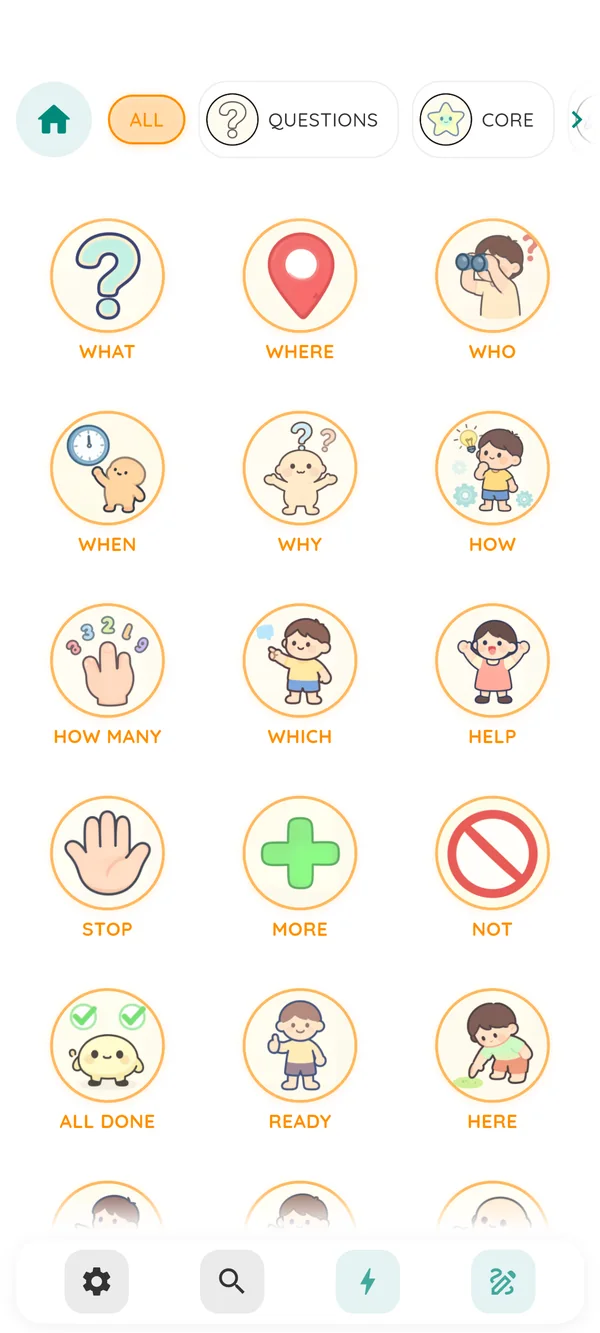
Hand-illustrated symbols organised into core words, people, actions, food, places, animals, time, numbers, ABC, and more — with subcategories and a search button for any symbol instantly.
Games and a drawing board
Spelling, maths, memory, listening and sorting games, plus a whiteboard for free drawing — playful practice that builds language skills.
Offline neural voices
Optional offline voices can read sentences aloud without Wi-Fi after download. Voice availability and download size vary by language and device.
Custom photos on any symbol
Replace any symbol card with a photo from the camera or gallery. Familiar faces and objects make communication faster and more personal for the user.
Fully multilingual
Full support for English, German, Italian, French, Spanish, Croatian, Czech, Polish, Finnish, Slovak, and Danish — interface text, symbol names, voices, and all legal documents.
Private by design
No account or in-app analytics. Communication content is stored on the device. Optional downloads and device system voices may contact external services, as explained in the Privacy Policy.
Learning lessons
Everyday words become little films
Every lesson turns one word into a short, narrated story: five painted scenes, three crossfading illustrations per scene, and a gentle comprehension quiz.






Lessons download on demand and play offline. The app stays small — the media lives on our own host, not in the install.
View all 81 lessonsSee it in action
A peek inside the app
Eight screens from a real session — from the first launch to the caretaker settings.
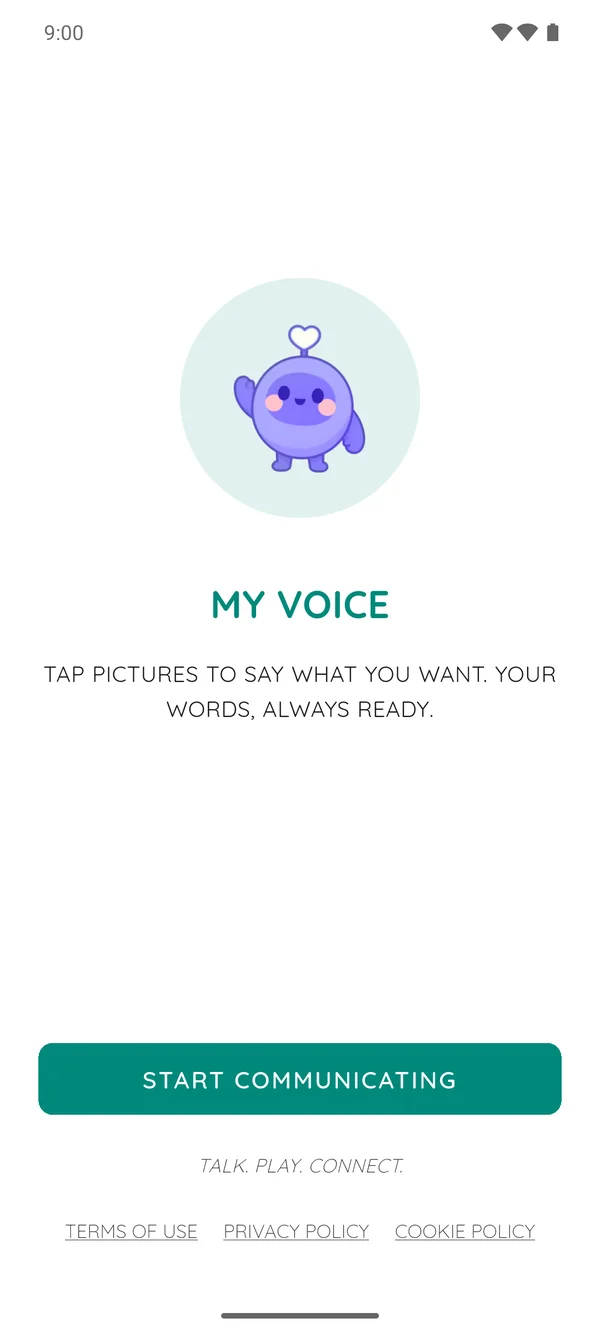
A gentle welcome
Sono greets every user with a friendly face — no account, no setup wall, just one tap to start.
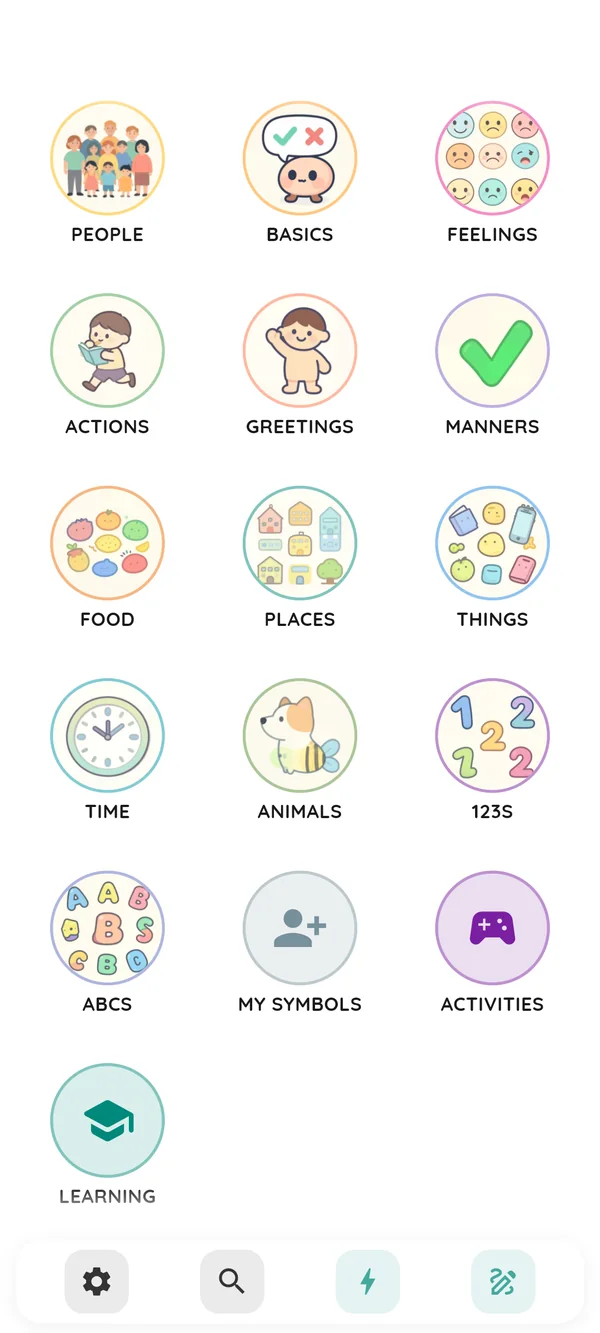
The full board
Thirteen categories — people, basics, feelings, actions, food, places, animals and more — all on one screen.
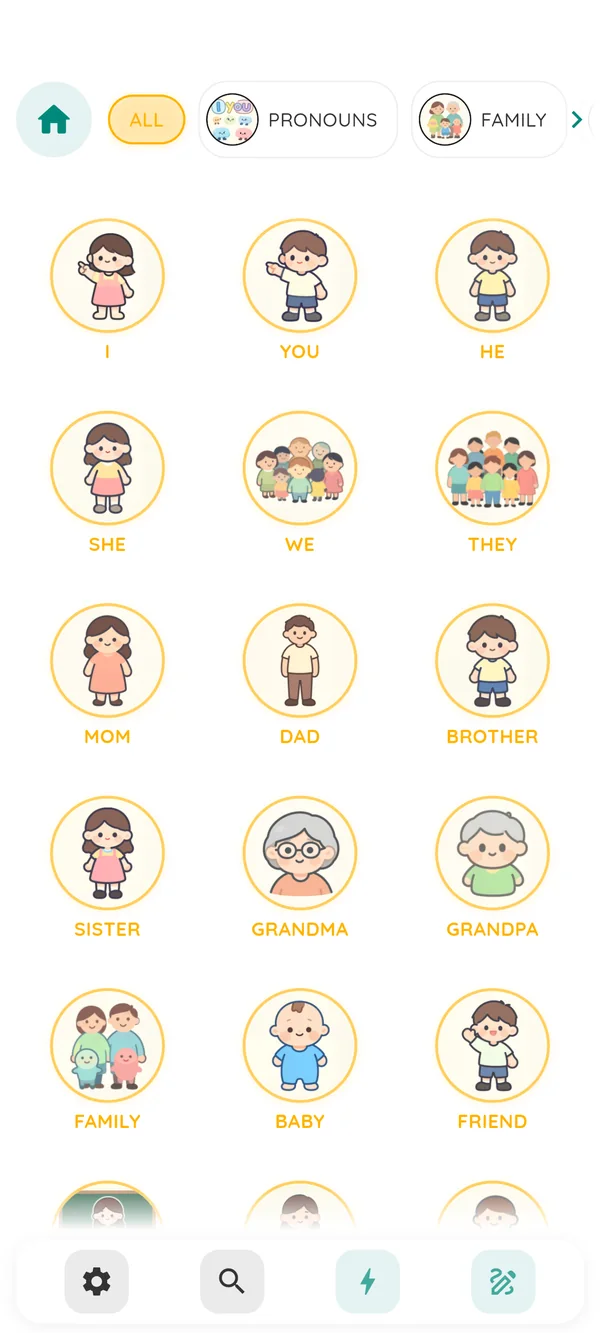
Tap to speak
Each category opens a grid of hand-illustrated symbols. Tap one and the voice speaks it instantly.
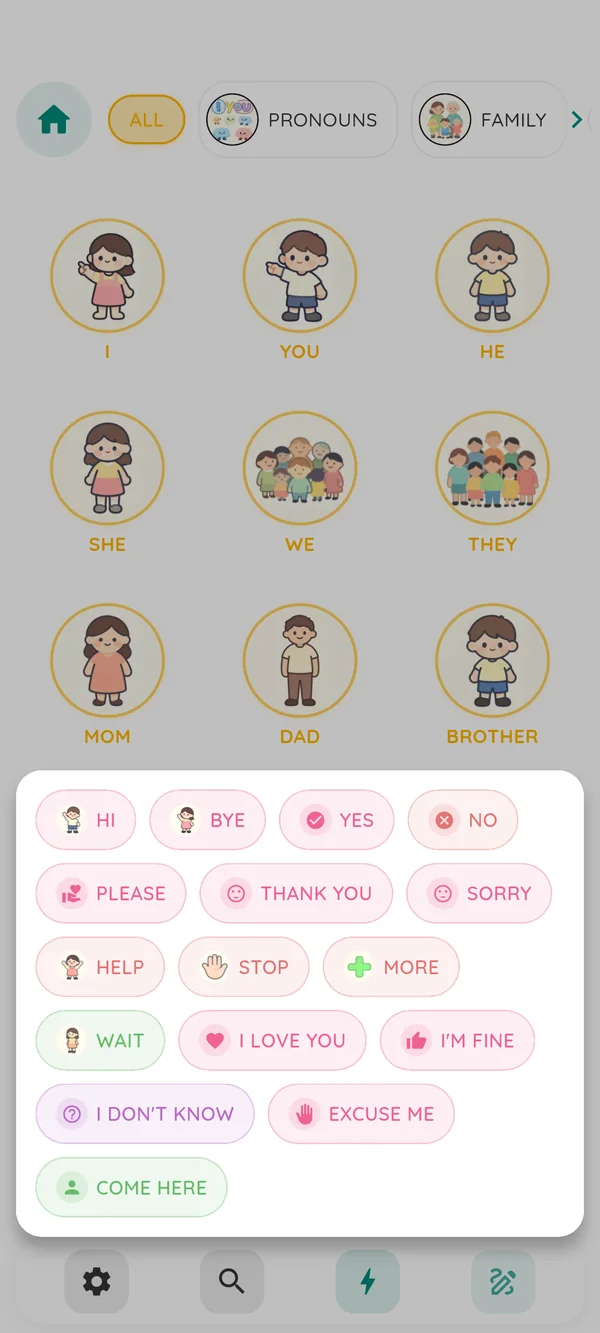
Quick phrases
"Hi", "Thank you", "I'm fine" — common phrases are one tap away, customisable in settings.
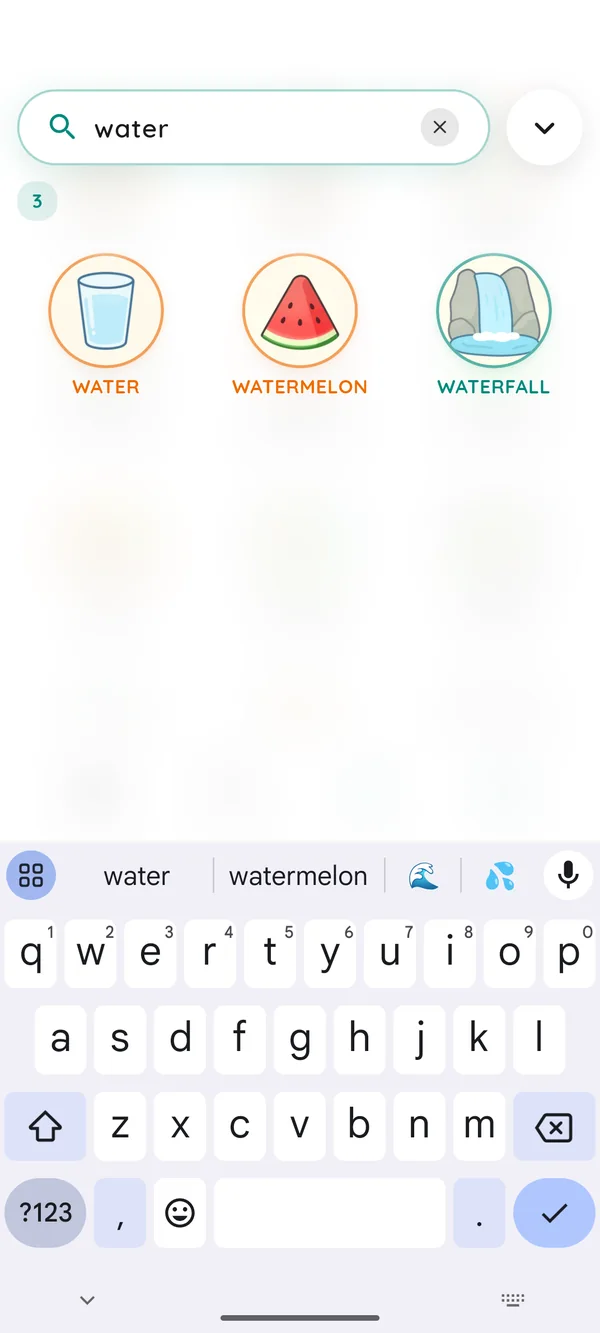
Search anything
Type a word and any matching symbol appears immediately — no scrolling through categories.
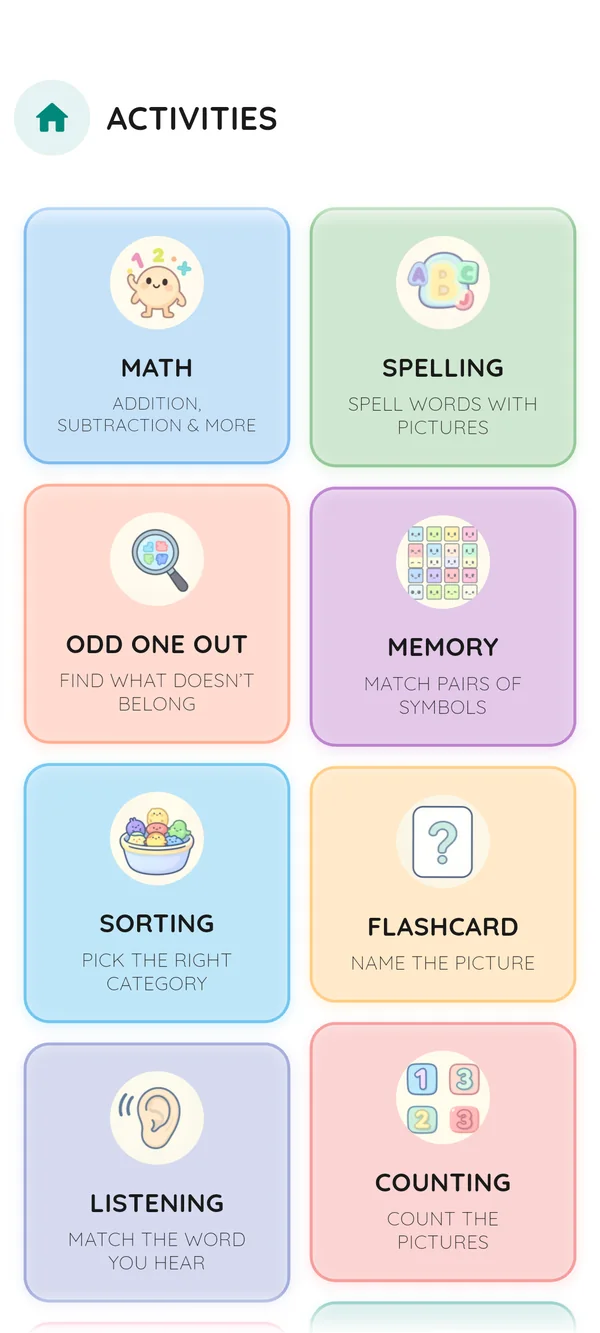
Mini-games included
Spelling, memory, math, sorting and more — playful practice that builds language skills.
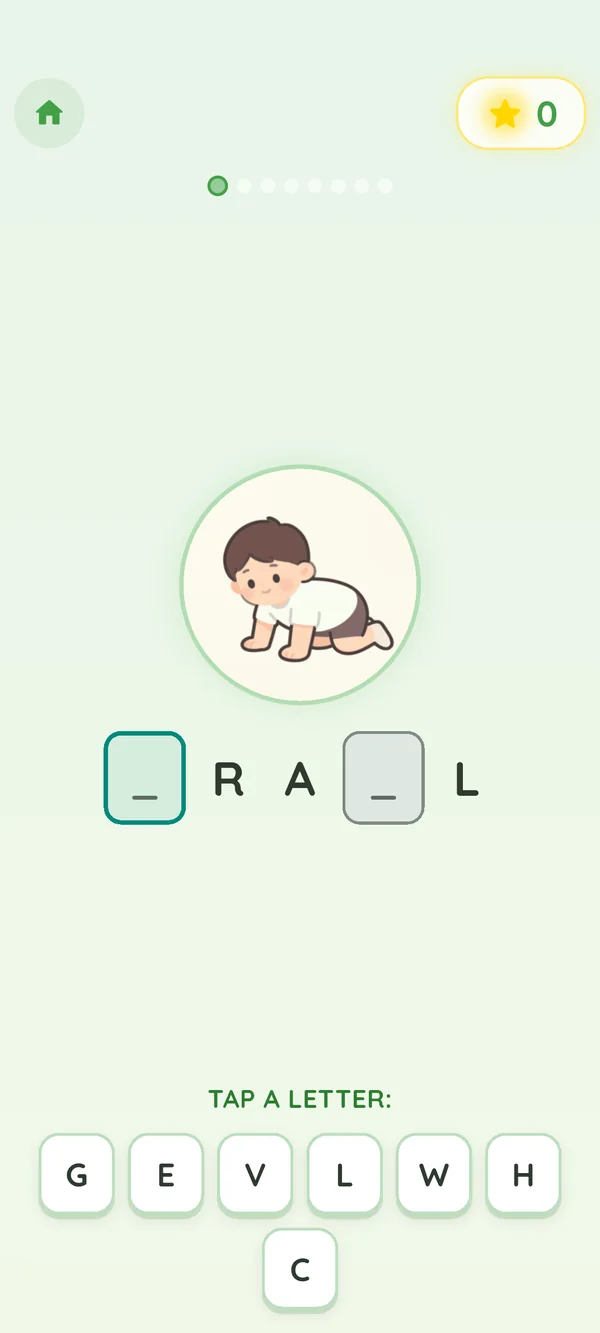
Spelling practice
Fill in the missing letters of words tied to familiar symbols, at the user's own pace.
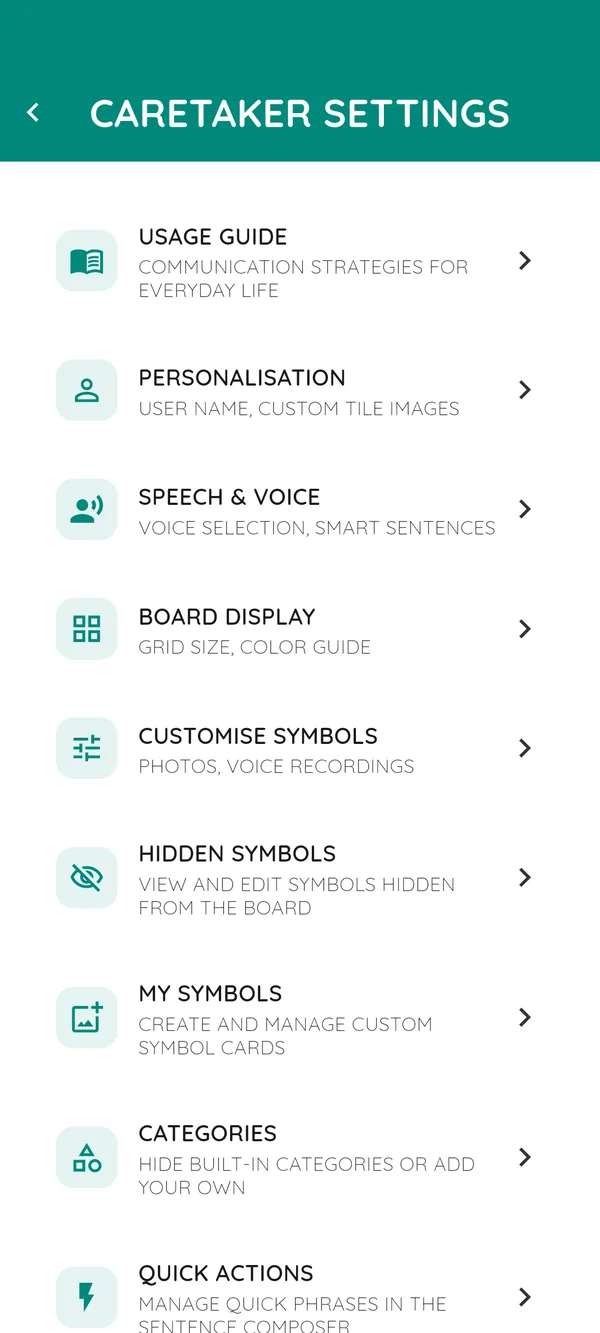
Caretaker controls
Voice, board layout, custom symbols and more — all hidden behind a quick math check.
Getting started
Simple to use from day one
The caretaker sets the app up once. After that, the board is the only screen the user ever needs.
Set up the profile
Enter the user's display name and choose a preferred voice. This takes under two minutes and is hidden behind a caretaker lock.
Tap symbols to build a sentence
Browse by category tab, filter by subcategory, or use the search button to find any symbol instantly. Each tap also speaks the word aloud. Long-press a chip in the sentence bar to remove a single word.
Press speak — the app does the rest
The voice reads the whole sentence aloud, and a banner confirms what was spoken for 4 seconds.
Fit check
Who Sono is — and is not — for
Sono works well for
- Children and adults who do not use speech as their main way to communicate
- Families and caretakers looking for a free, private AAC tool
- Educators and SLPs introducing symbol-based AAC for the first time
- Anyone who needs offline, on-device communication without an account
Sono is not designed for
- Eye-gaze or switch access — touch input only for now
- Cloud-synced AAC across multiple devices
- Replacing a clinician-prescribed AAC system without their guidance
- iOS — Sono is currently Android-only
Voices
Offline voices in your language
Offline neural voices can be downloaded for supported languages. Once installed, they run on the device without an internet connection.
Voice availability varies by language and device. The App can also use the device's text-to-speech service as a fallback.
Download size varies by voice.
Usage guide
Everything you need to get started
A complete resource for caretakers, educators, and anyone supporting a new communicator.
Getting started
A quick overview of what the app is for and how to begin using it with a new communicator.
Building sentences
Everything that happens on the sentence strip — adding words, speaking, clearing, removing.
Categories & search
How vocabulary is organised across category tabs, subcategories, suggestions, and search.
Custom symbols
Add personal photos, record voiceovers, rename, and hide symbols so the board fits the person.
Caretaker settings
Tune the board for the person you support — grid size, layout, display style, and kiosk mode.
Activities & games
Built-in mini games and activities for language, listening, numeracy, and play.
FAQ
Answers to the questions caretakers most often ask when first setting up the app.
Tips for caretakers
Tried-and-tested practices for building habits, motivation, and progress over time.
No articles matched your search.
Built for trust
Communication content stays local
The symbol board stores messages on your device. Installed offline voices work locally. Optional downloads, lessons, legal pages, and device system voices may involve external services as described in the Privacy Policy.
- ✓No account required — the app works from install
- ✓No analytics, crash reporters, or third-party SDKs
- ✓Messages stay on the device when using an offline voice
- ✓Custom photos stored in the app's private sandbox
- ✓Exported backups must be deleted separately
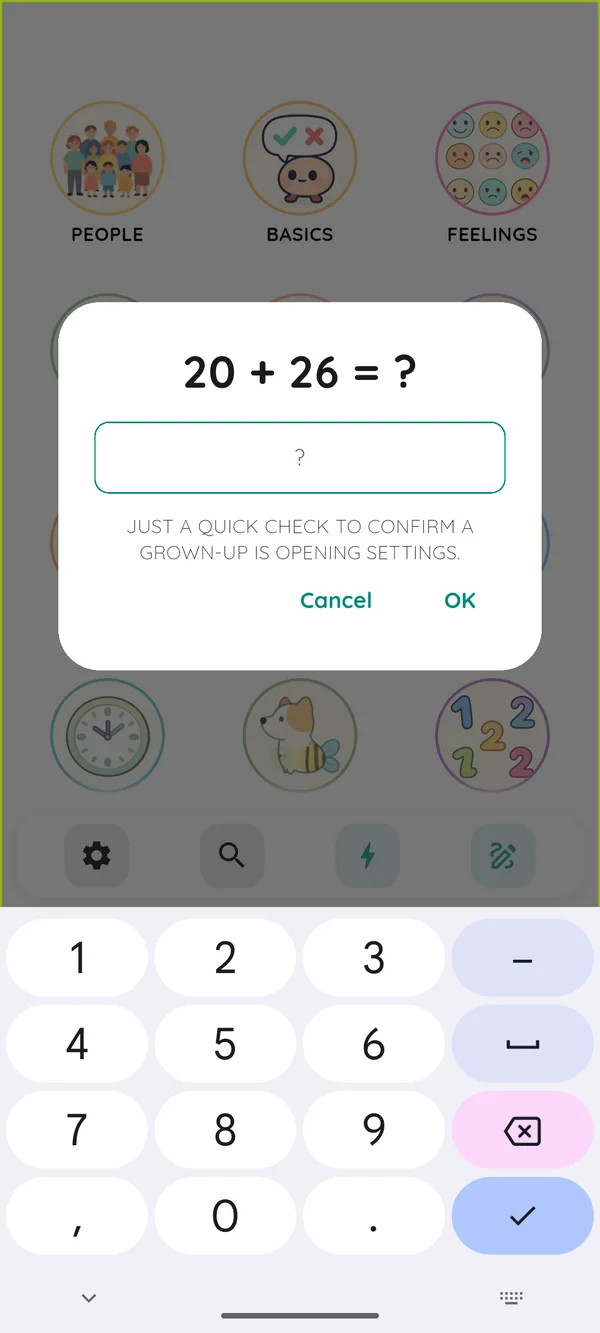
Privacy architecture
How private is private?
Sono stores communication content locally. Here is what the App stores and when it may contact external services.
What is downloaded
Optional offline voices and learning lessons are downloaded on request. Some builds also allow a caretaker to import a compatible language model. Legal pages may be fetched from a configured host.
What stays on the device
Symbols, messages, custom photos, and settings stay on the device during ordinary App use. Installed offline voices run locally.
What the App does not send
The App has no in-app analytics, advertising SDKs, or background sync. Optional downloads and legal pages send standard request metadata to their hosts.
What uninstalling removes
Uninstalling removes local App data. Exported backups and platform backups remain at their saved destinations until separately deleted.
Accessibility
Accessibility matrix
An honest look at what works today and where the limits are. AAC apps should be evaluated on access, not just features.
Updates
What's new and what's next
Recent
-
Downloadable learning lessons
Every lesson turns one word into a five-scene narrated story with crossfading illustrations and a short quiz. Lessons download on demand and play offline, so the app install stays small.
-
Offline neural voices in all 11 interface languages
Piper VITS voices ship per locale. Download once and the app keeps speaking in airplane mode.
-
Custom photos and recorded voices for any symbol
Caretakers can replace any card with a personal photo and record a familiar voice — useful for high-recognition vocabulary.
-
Caretaker lock and message history
Settings are hidden behind a lock; the last 20 spoken sentences are visible to caretakers for review.
Roadmap
-
Switch and eye-gaze access
Investigating support for switch scanning and head-tracking input so the board is usable beyond touch.
-
iOS build
A SwiftUI/Flutter iOS build is on the wish list; held back today by neural-voice packaging on iOS.
-
Printable caretaker quick-start
Generate a one-page PDF caregivers can print and tape next to the device on day one.
-
Searchable in-app help index
Bring the website guide search experience into the app itself so caretakers can find answers without leaving.
Roadmap items are intentions, not commitments. Priorities shift as we hear from people using the app.
Support
Talk to us
Sono grows with help from caretakers and educators. Feedback shapes the next release more than anything else.
Bug reports, feature ideas, accessibility issues — anything you'd like us to consider.
Send an emailRead the usage guide
Most setup questions are answered in the in-app and on-site usage guide.
Open the guideStart communicating today
Free to download. No subscription or in-app analytics.